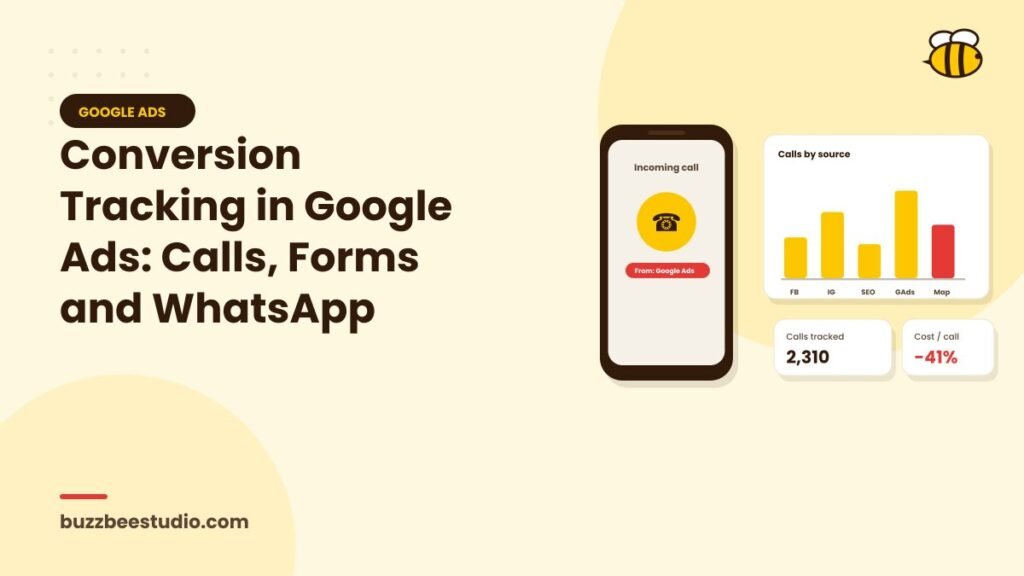
Clicks don't pay the bills; leads and sales do. Conversion tracking tells Google Ads which clicks led to valuable actions, so you can see which keywords and ads work and so automated bidding can optimise towards results. For UAE businesses, that usually means tracking three main lead types: form submissions, phone calls and WhatsApp messages.
Why conversion tracking matters
- Know what works: see which campaigns, keywords and ads generate leads.
- Cut waste: pause what doesn't convert.
- Smarter bidding: Smart Bidding strategies need conversion data to optimise.
- Calculate ROI: connect ad spend to leads and sales.
Choosing what to track
Primary conversions should be actions that genuinely indicate a potential customer:
- Form submissions.
- Phone calls of a meaningful length.
- WhatsApp clicks or conversations.
- Bookings and purchases.
Secondary actions, such as page views, time on site or brochure downloads, can be tracked as secondary conversions for insight without influencing bidding.
Tracking form submissions
Options:
Thank-you page tracking
Redirect users to a thank-you page after submitting a form, and track visits to that page as conversions. Simple and reliable.
Event-based tracking
If your form doesn't redirect, use Google Tag Manager to track a successful submission event.
Enhanced conversions for leads
Enhanced conversions send hashed customer information, such as email or phone, securely to Google, improving measurement accuracy and enabling better offline conversion matching. It's well worth setting up.
Tracking phone calls
Calls from ads
Call assets and call-only ads can track calls directly from the ad. Set a minimum call duration, such as 60 seconds, to count a conversion.
Calls from your website
Google forwarding numbers, where available, or third-party call tracking tools can track calls from visitors who clicked your ads and then called from your website.
Clicks on phone numbers
Track clicks on tap-to-call links as a basic signal, especially on mobile. Remember that a click doesn't always mean a completed call.
Call tracking software
Dedicated tools offer dynamic numbers, recordings, AI call analysis and integration with Google Ads, giving deeper insight into which calls are real leads.
Tracking WhatsApp
WhatsApp is often the preferred contact method in the UAE, so tracking it is essential.
Track WhatsApp button clicks
Use Google Tag Manager to fire a conversion when someone clicks a WhatsApp link (wa.me or api.whatsapp.com). Import it into Google Ads.
Use pre-filled messages
Include a reference in the pre-filled message to help identify the source when chats arrive.
Advanced tracking tools
Tools connecting the WhatsApp Business Platform with your website and CRM can match conversations to ad clicks and report qualified chats back to Google Ads.
Importing offline conversions
The most powerful setup tells Google which leads became customers. Using your CRM:
- Capture the Google click ID (GCLID) or use enhanced conversions for leads.
- Record lead outcomes: qualified, quoted or won.
- Upload or sync these outcomes to Google Ads.
Google can then optimise for leads that turn into sales, not just any lead.
Setting conversion values
If different actions have different value, assign values. A booking might be worth more than a brochure download; a large project more than a small one. Values help Google prioritise higher-value conversions with value-based bidding.
Using Google Tag Manager and GA4
Google Tag Manager simplifies installing and managing tags. You can track conversions with the Google Ads tag directly or import key events from Google Analytics 4. Many advertisers use the Google Ads tag for primary conversions because of its direct integration, and GA4 for broader analysis.
Privacy and consent
Use a consent management platform where required, and set up Consent Mode so Google can respect user choices while modelling conversions where permitted. Explain tracking in your privacy policy.
Testing your setup
- Submit test forms and check conversions register.
- Make test calls and WhatsApp clicks.
- Use Tag Assistant to debug tags.
- Check the conversion status in Google Ads.
- Make sure each action is counted once, not duplicated.
Common mistakes
- Counting page views as primary conversions.
- Duplicate tracking of the same action.
- Not tracking calls or WhatsApp at all.
- Never reviewing lead quality.
- Forgetting to update tracking after website changes.
Final thoughts
Conversion tracking is the foundation of effective Google Ads. Track forms, calls and WhatsApp properly, feed back which leads become customers, and assign values where possible. Your reports will become meaningful, and Google's automation will work for you instead of against you.
Buzz Bee Studio sets up complete conversion tracking for Google Ads, including calls and WhatsApp. Contact us for a free tracking check.